
View Utility Bill Without Paying on MyPlainfield
If you are curious about what you owe but not ready to make your payment today, follow the steps below to connect your utility account and view available bills on MyPlainfield:
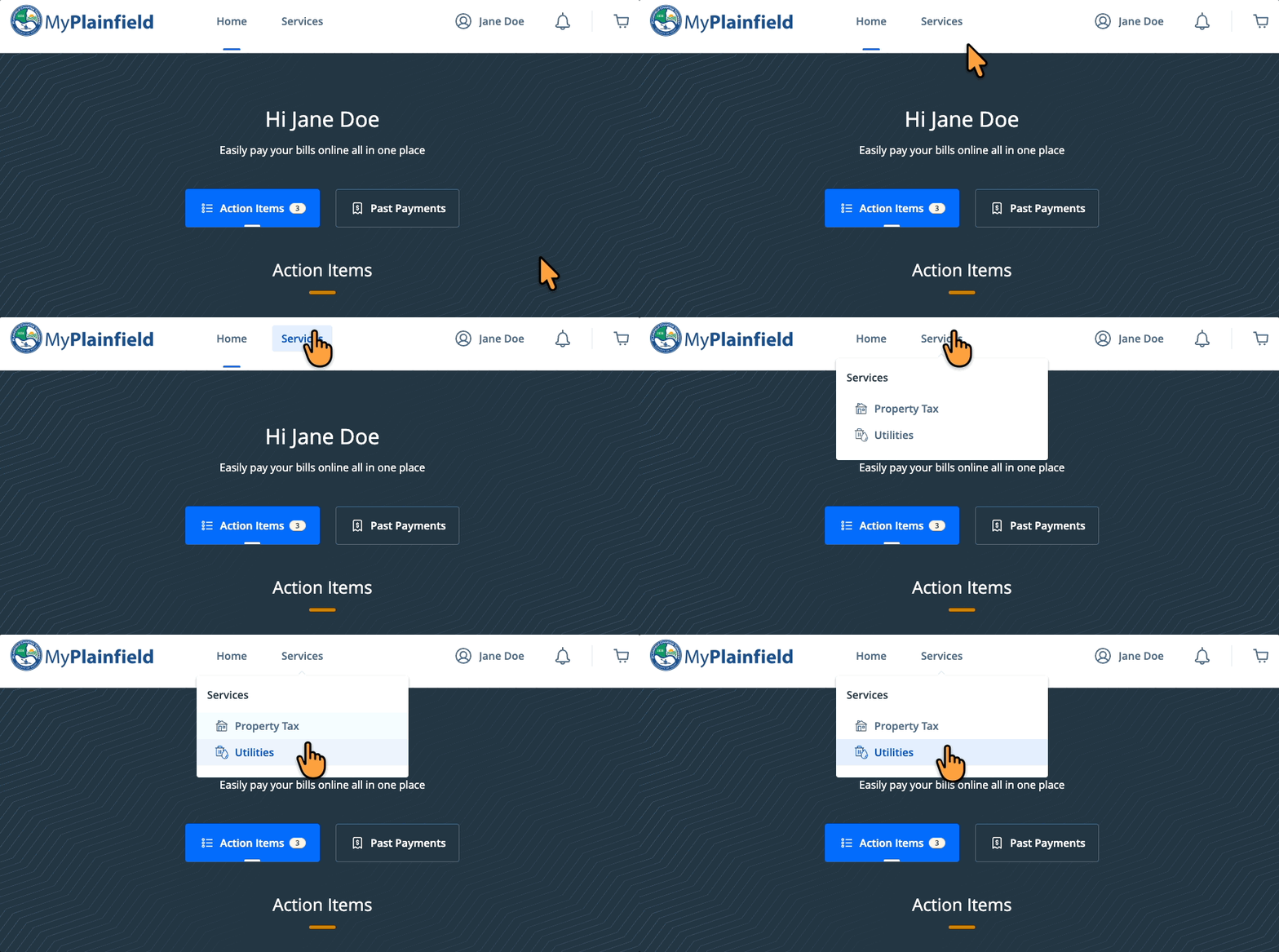
- Log in (see Create a Profile on MyPlainfield) and select Utilities from the "Services" drop down menu
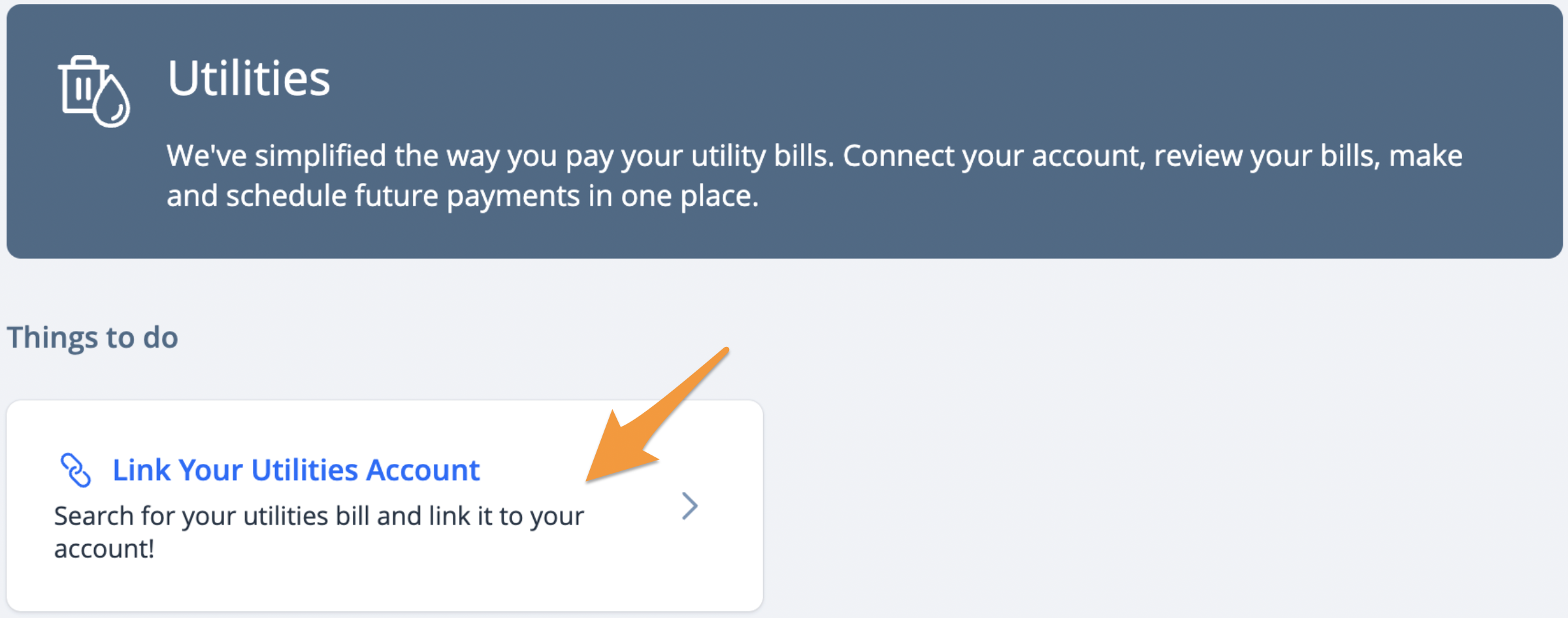
- Click Link Your Utilities Account
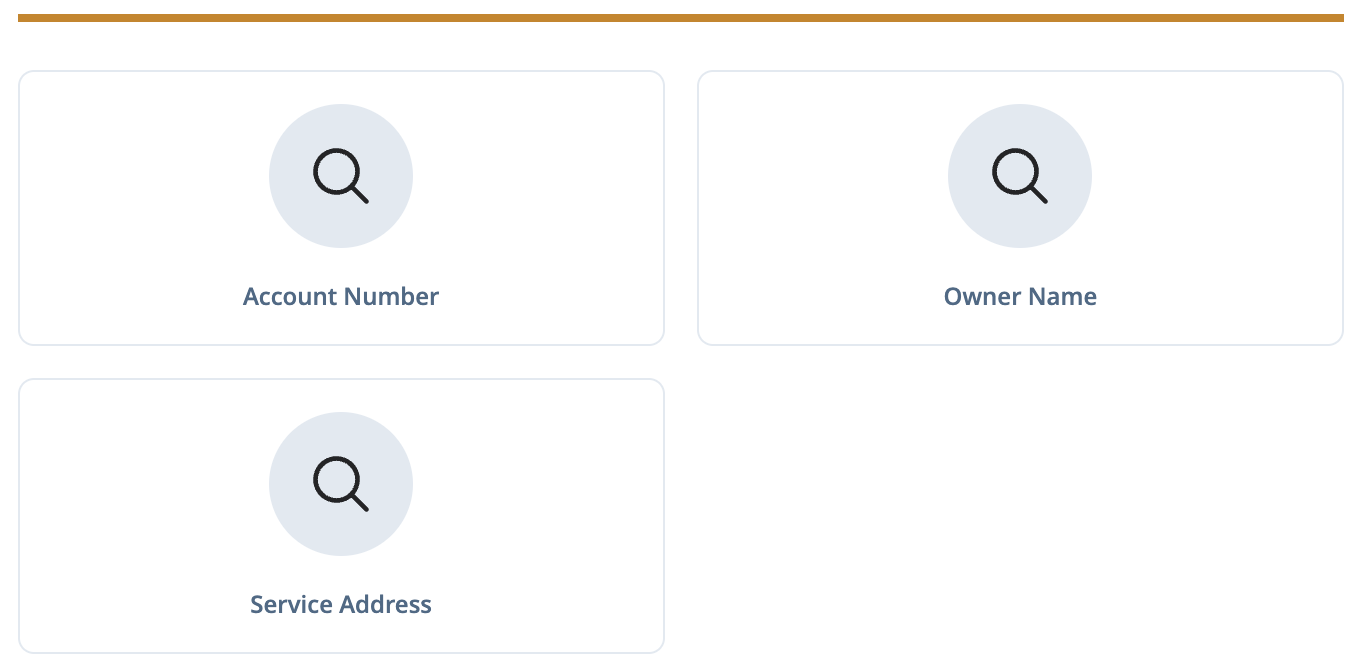
- Select one of the search options to locate your utility account
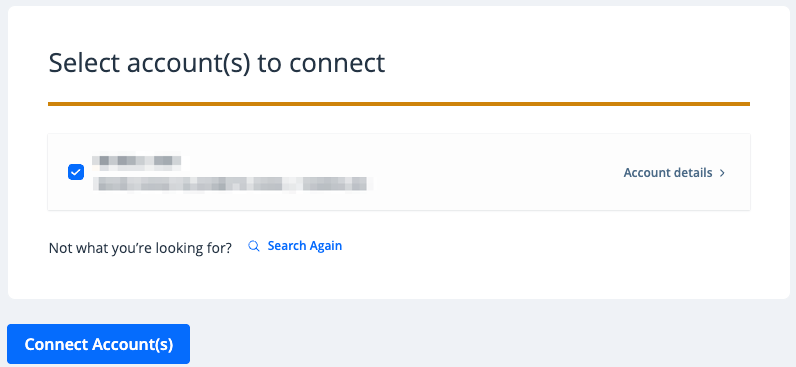
4. The result(s) of your search will be displayed. Confirm this is the correct utility account and connect it to your profile by clicking Connect Account(s). If something does not look right, click Search Again.
- Click View Account(s)
- Available bills will appear. You may click on the arrow next to the amount to view additional bill information.
