Enroll a Plainfield Utility Account in AutoPay on MyPlainfield
To get started with AutoPay for your utility bills, you'll first need to create a MyPlainfield profile (see Create a Profile on MyPlainfield). Once you’re signed in and have linked your eligible account (see Link a Utility Account on MyPlainfield), you’re ready to follow the steps below to enroll in AutoPay.
-
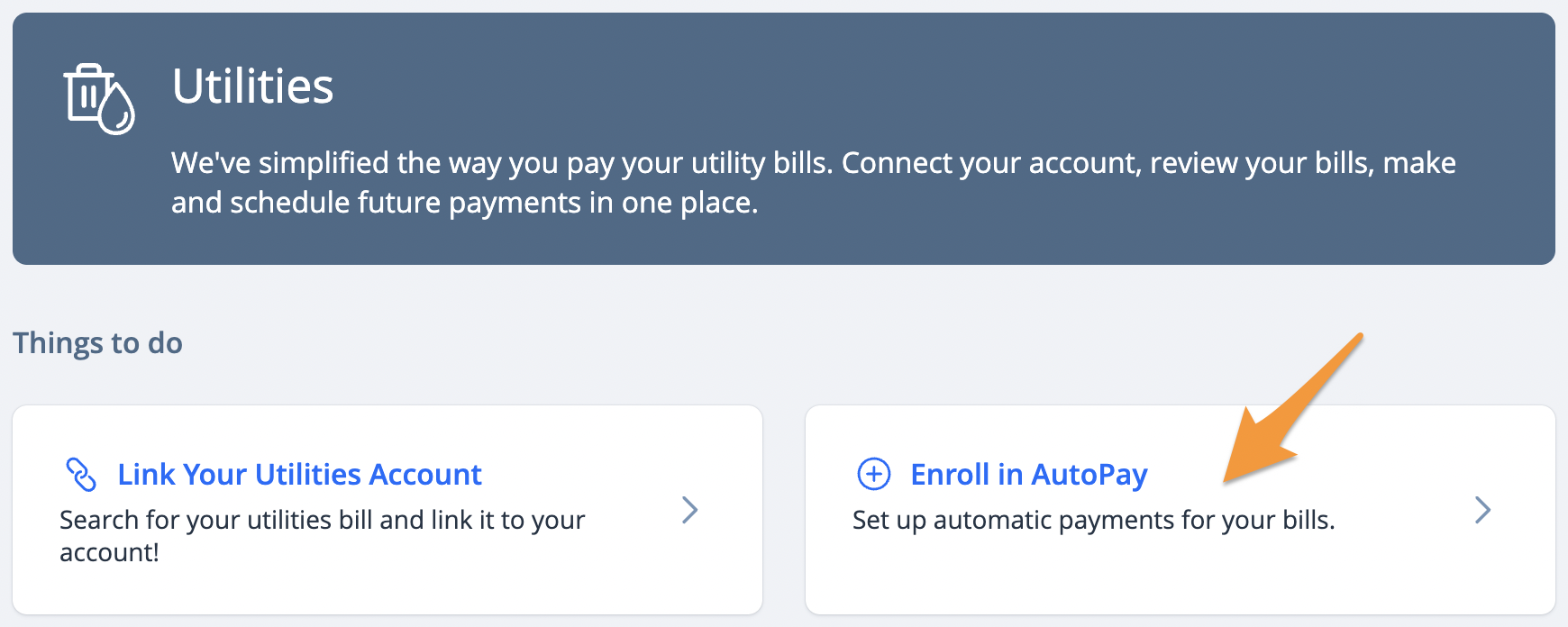
Select Utilities from the "Services" drop down menu and click Enroll in AutoPay
-
Check the box next to the account(s) you wish to enroll and click Continue
-
Choose a Payment Method and click Continue
-
Accept the Terms and Conditions then click Enroll In AutoPay